Displays · Alienware
Alienware AW3426DW review: four years later, I can finally game in daylight
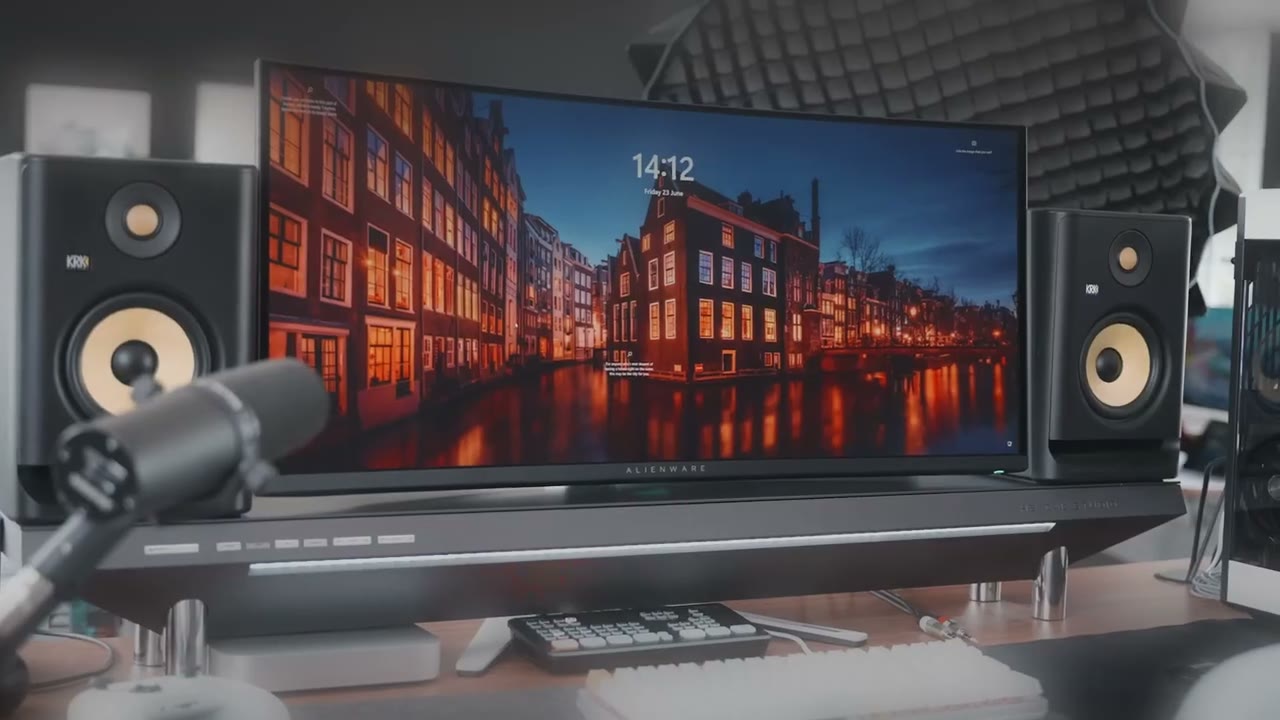
Verdict
My 2022 ultrawide was gorgeous and useless until the sun went down, so the thing I care about most here is the anti-reflective coating, and it genuinely works. Add proper OLED blacks, top-tier HDR, and an RGB stripe layout that finally makes text sharp enough for a full admin day, and this is the cheapest new-generation QD-OLED I have had on this desk. No speakers and no KVM switch are real omissions, and 280Hz is below the headline numbers, though higher than most of us will ever use.
Pros
- The anti-reflective coating is the headline, and it holds up: playable in a room full of glass at two in the afternoon
- Still looks like an OLED, not a grainy matte panel, and blacks go properly black
- Top-tier HDR with Dolby Vision and VESA True Black 500
- RGB stripe subpixels mean crisp text with no fringing, so full days in Excel and Word are fine
- Three-year warranty covers OLED burn-in, and premium panel exchange replaces it over a single bright pixel
Cons
- No speakers at all, so budget for a soundbar or headphones
- No KVM switch, which is the omission that stings most at this price
- 280Hz is below the 360Hz and 480Hz panels out there, on paper at least
My 2022 Alienware ultrawide turned me into a bit of a vampire. I could only use it at night. Gorgeous panel, don’t get me wrong, and at the time it was incredible, probably the top of the range for gaming monitors. But if I’m honest it was pretty useless during the day, right up until the sun went down.
So I’ve been waiting for a proper upgrade, and yes, four years to be exact. I think this is it. Same size, same shape, and I’ve been playing games on it at two in the afternoon with the blinds open, no problem.
How this one reached me, because you should know: Dell sent me this for review. I bought my original one myself. No money changed hands, they haven’t seen this video before it went out, and I’ve already sent the monitor back to them. I don’t get commissions on Dell sales either. It’s purely a review, and a partnership with Dell that I genuinely enjoy. If you buy through my Amazon links I get a tiny commission, literally peanuts, and it makes no difference to what I’m about to tell you.
One more thing if you’re new here. This isn’t the channel for response time charts, colour readings and benchmarks. There are brilliant channels that do that far better than me and I link a couple of them under the video. What I’ll do instead is tell you where Dell’s numbers actually matched what I saw. Spoiler: most of them.
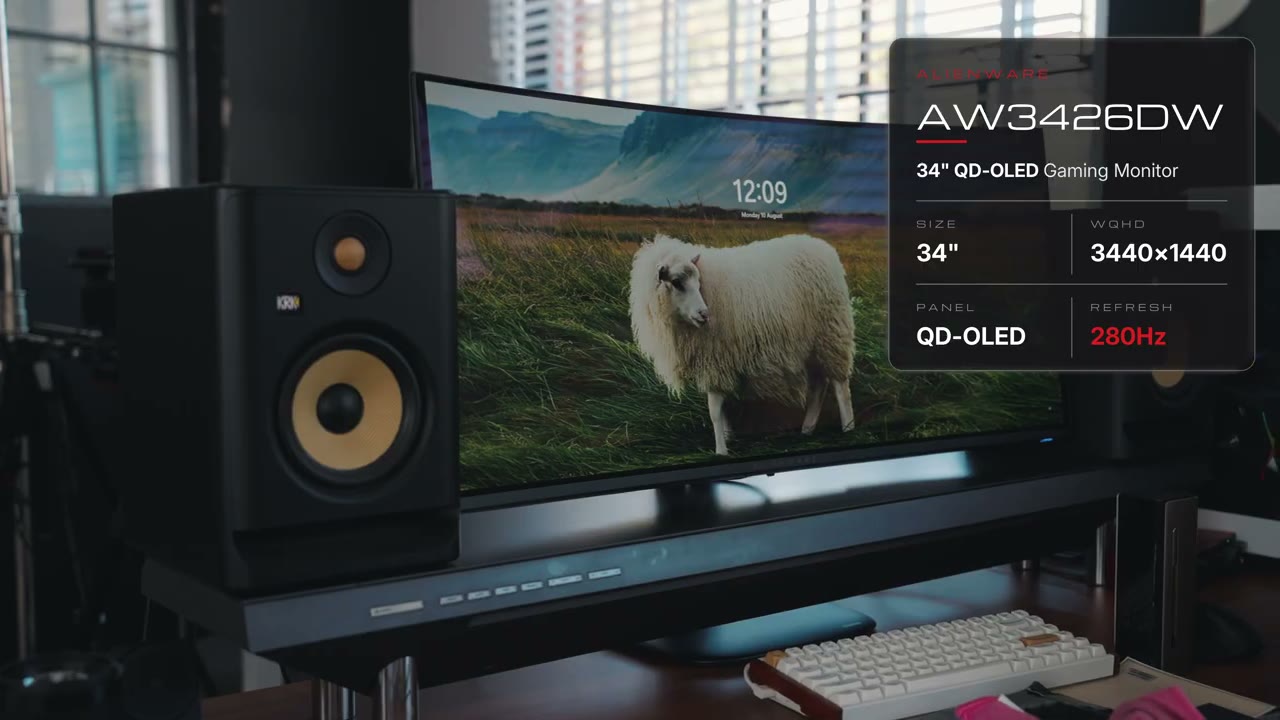
The AW3426DW is $800. It’s a 34 inch monitor, 3440 x 1440, 280Hz, using the latest QD-OLED panel tech, the sort that’s turning up in monitors costing quite a bit more. If you game and do a bit of work on the side, it’s an easy recommendation. If you need built-in speakers or a KVM switch, less so.
The coating, which is the whole reason I upgraded
The studio here has a lot of glass. It gets really bright during the day. My old ultrawide was a mirror when it came to using it then, especially for gaming. Worse than a mirror, actually, because it’s curved, so the reflections were distorted and all over the place. I only really got to play at night, and for those of you with a family, you’ll know that “I’ll play at night” means I rarely play.
This one has an anti-reflective coating, and Dell’s line is that it keeps blacks and HDR looking right even in a well lit room. Normally I’d roll my eyes at that sort of claim. It’s actually true. It is hands down the thing I noticed most.
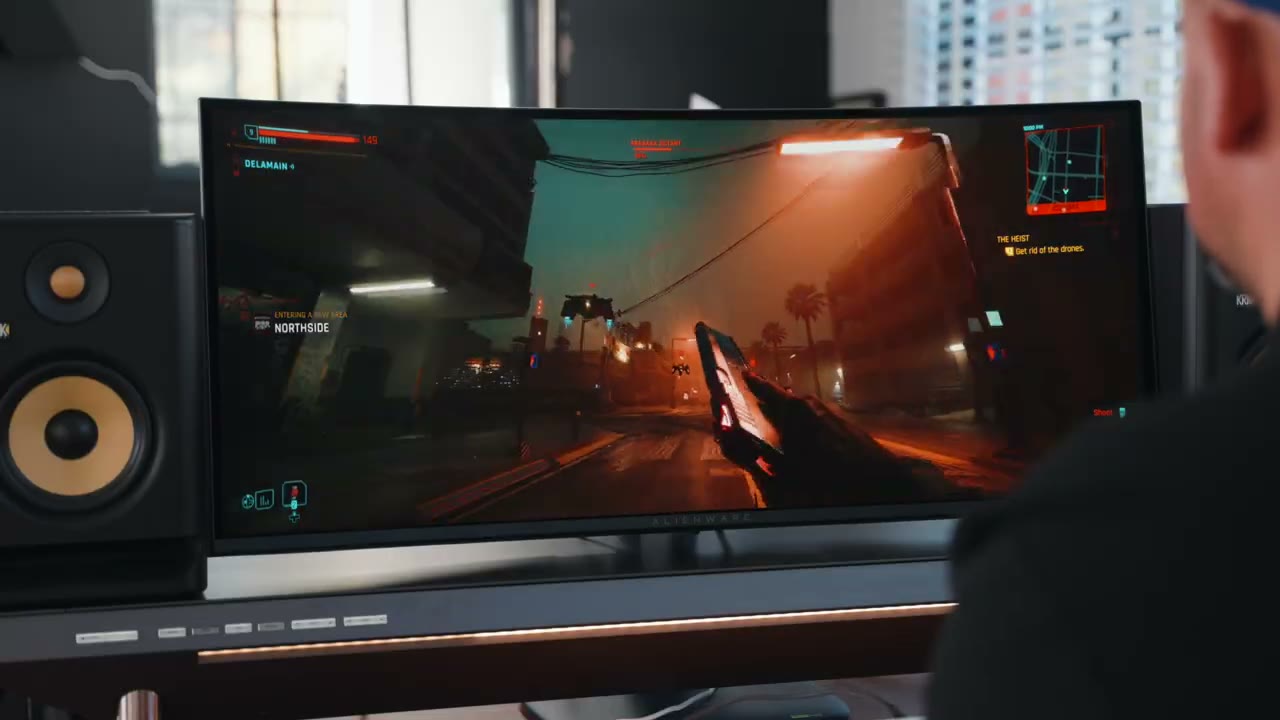
If your room has really controlled lighting, this won’t be a concern for you. But if you have windows, if you get reflections, then rest assured: if I can play in this room, you can play pretty much anywhere.
Worth being clear about what anti-reflective means here, because you might be picturing a matte display. It definitely isn’t. It doesn’t look grainy the way matte panels do. It still has the look and feel of an OLED, and blacks still look like proper OLED blacks.
The panel itself
Dell is using Samsung Display’s latest QD-OLED tech, which stacks five OLED layers rather than the usual arrangement. On paper that means more brightness and a longer life, and the longer life part matters on an OLED.
What it means on this desk is that it’s noticeably brighter than my old one. Night and day, almost, especially in HDR. Dell quote around 300 nits full screen and up to 1300 nits in small highlight areas, and that full screen number is getting close to the top of what OLED monitors manage these days.
Black levels, no complaints at all. Dark scenes go properly black, no grey glow in the corners. And when you’re playing something that doesn’t support the full 21:9, the black bars are genuinely black, which actually helps the immersion.
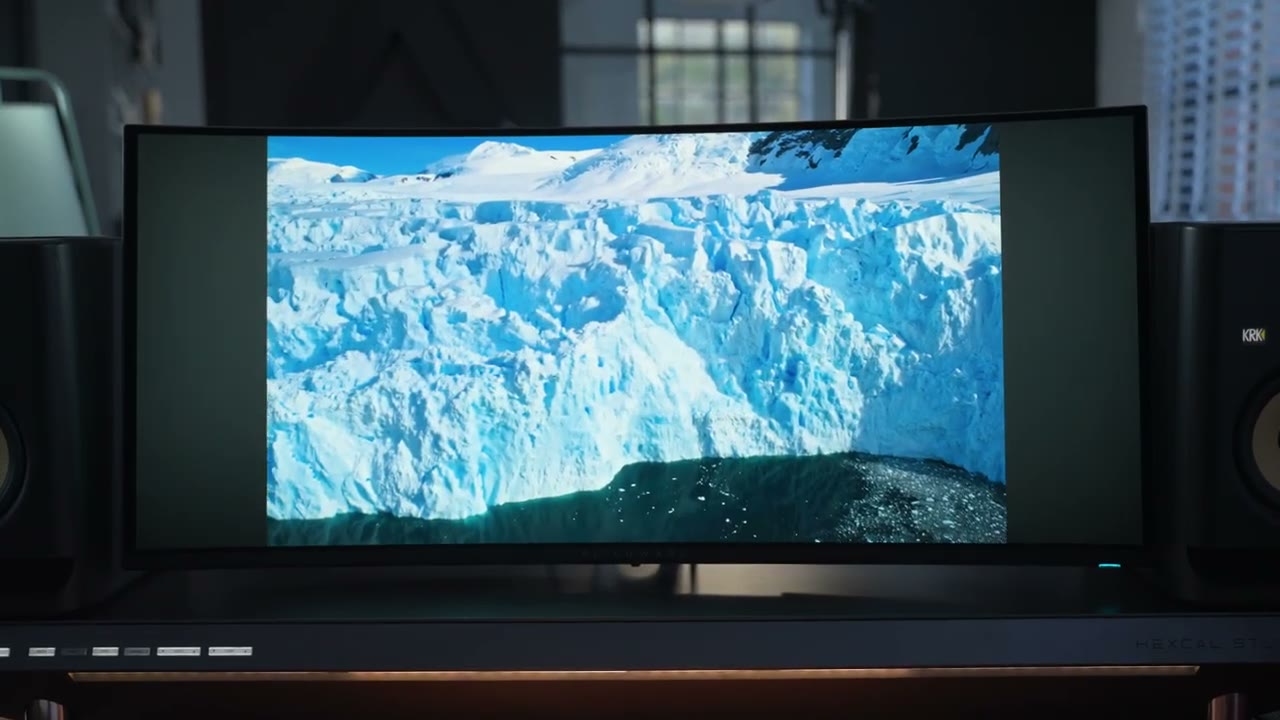
HDR is where it shows off. This is top tier. Dolby Vision, VESA True Black 500, and it all just works. Sometimes you read those specs and wonder what they actually mean in practice: here it means that when you fire up something with a proper HDR pass, the highlights really pop without the rest of the picture going flat. If you’ve only ever watched HDR on a mid-range LCD, this will look like a different thing entirely.
The 280Hz question, honestly
Here’s the slightly controversial bit, and something I was a little disappointed by looking at the numbers, right up until I started using it. There are monitors out there doing 360Hz, 480Hz and more. I’ve reviewed a few of them. People will tell you 280Hz is a step down.
Let me be honest about my own gaming. The stuff I actually play sits well below 280 frames anyway. I’m not an esports player. So personally I’m not using that full spec and most of you won’t either. And even if you did play a competitive shooter that could push 360fps, I’m not convinced we’d feel the difference between 280Hz and 360Hz all that dramatically. There’s a technical difference, of course, but it’s going to be negligible to look at.
The way I think about it: it’s like owning a car that does 180 when the limit is 70. Lovely to know it’s there, but when do you actually hit it?
What you will feel is response time. Dell say 0.03ms, and motion on this thing is very clean. No smearing, no ghosting. Next to the 2022 model it’s a proper jump in responsiveness, and that one wasn’t slow. It suited me fine until recently, apart from being a distorted mirror during the day.
Text, which I didn’t expect to care about
I was half expecting this to be bad. The older QD-OLEDs had that slightly odd triangular subpixel layout, which gives you colour fringing around the edges of letters when you look closely, and a less sharp image overall. Those monitors aren’t terrible, they’re fine for games, just a little tiring for emails and web browsing.
Dell has moved to an RGB stripe layout here, the same arrangement most LCDs use, and says that gives you sharper text. I can back that up. Text is very crisp, no fringing, and I’ve done full admin days on this: Excel, Word, browsing, without my eyes complaining once. Really superb work.
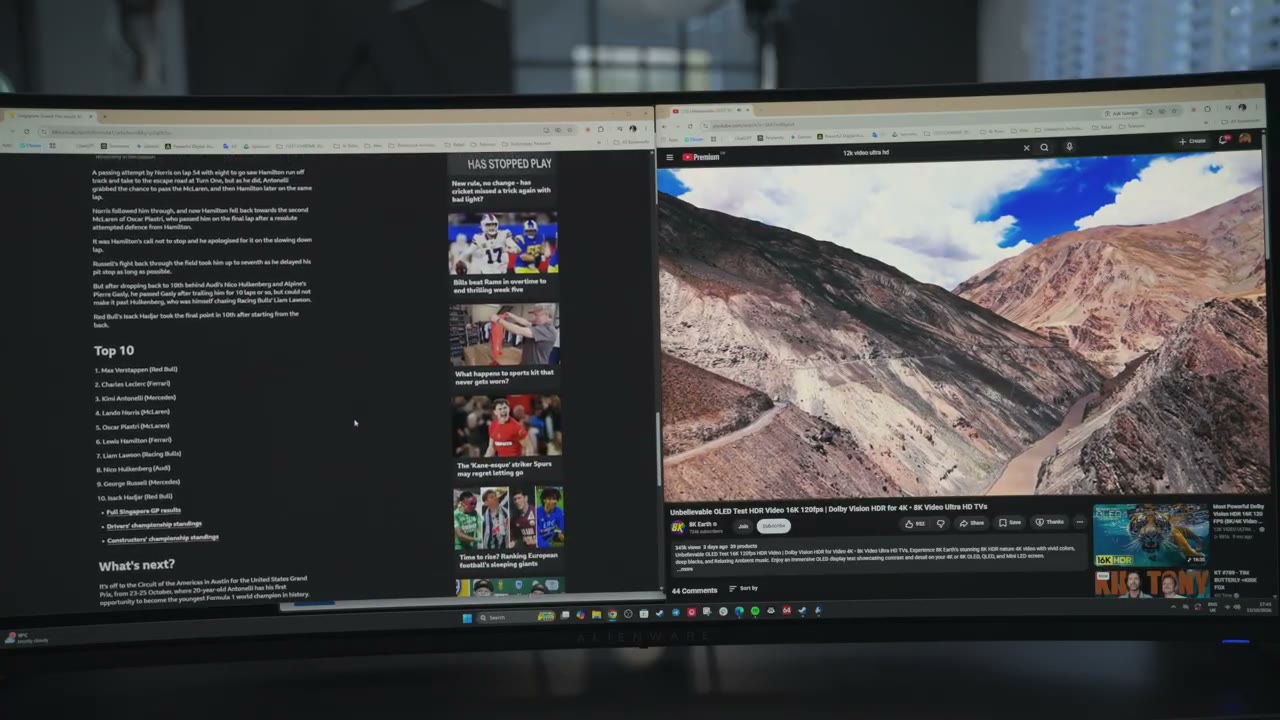
On picture modes, I didn’t need to push this at all. There’s a creator mode with an sRGB preset and the gaming presets you’d expect, and I just used standard pretty much the whole time. No need to calibrate anything. If I were editing photos or grading video on it I’d probably switch to creator mode and lock it to sRGB, but for gaming and a bit of admin, standard was spot on out of the box. Dell quote Delta E under 2 and 99% DCI-P3, and nothing I saw made me doubt either.
Two things to know before you order
There are no speakers. If you’ve been relying on monitor speakers for the odd YouTube video, budget for a soundbar or a decent pair of headphones, because you’re getting no audio out of this at all. I use separate speakers here anyway so it didn’t bother me, but I’ve seen people caught out by it.
There’s no KVM switch. If you’re bouncing between a work laptop and a gaming PC on the same screen, you’ll need a separate box. Of everything on the list, that’s the one feature I’d have liked at this price.
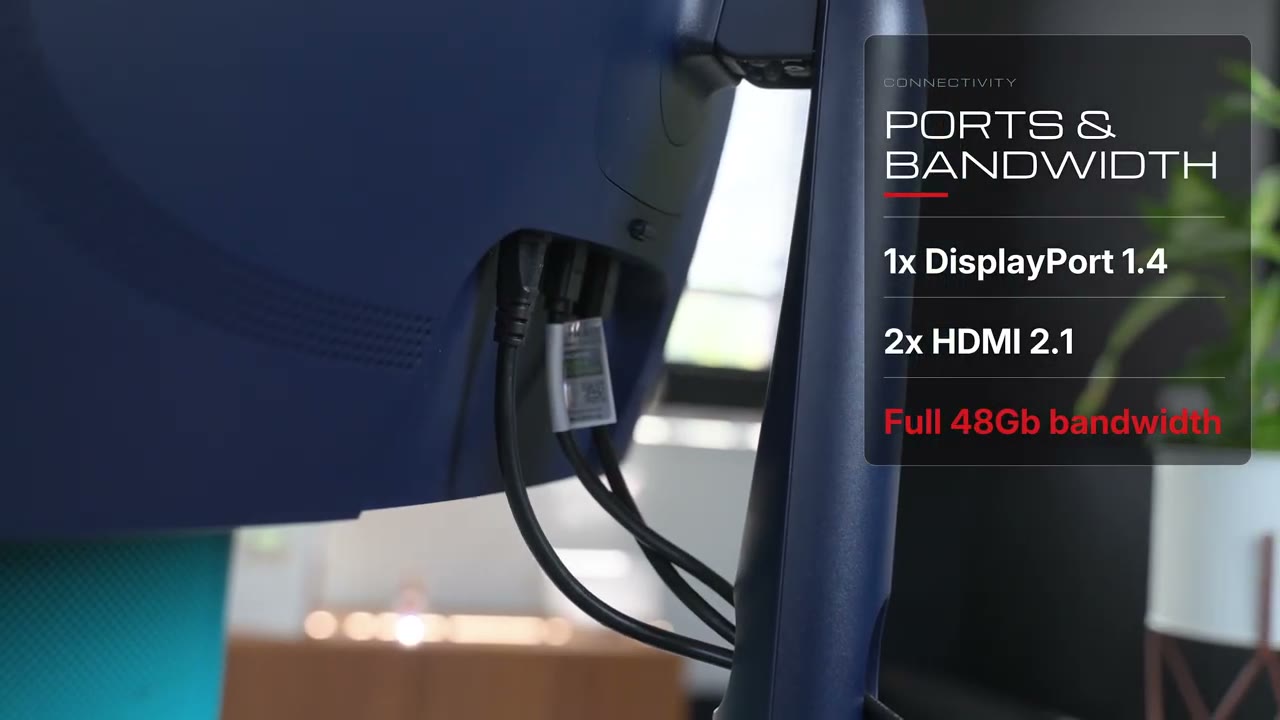
Connectivity is otherwise good. One DisplayPort 1.4 with DSC, two HDMI 2.1 both with DSC and the full 48Gbps bandwidth, so a PS5 or Series X gets everything you can give it. They’re nicely placed at the bottom too, away from the other stuff. There’s a small USB hub, one USB-A and one USB-C at 5Gbps, and the USB-C does 15W of charging. Not enough for a laptop, but enough to keep your phone topped up. If you’re putting a desktop behind a screen like this, the M4 Pro Mac mini is the one I’ve been living with.
So was it worth four years?
For $800 give or take you also get a three-year warranty that covers OLED burn-in, not that burn-in is really an issue in 2026. On top of that there’s Dell’s premium panel exchange, which means a single bright pixel gets you a replacement. That’s a lot of peace of mind, and on an OLED panel it genuinely matters.
I’ve tested a few of the new generation QD-OLEDs recently and this is the best price I’ve seen on one. You’re getting the latest panel tech, brilliant HDR, text that doesn’t fight you, and a coating that means you can play when you actually have time to play, which is during the day.
The two or three compromises are real, but they’re small. No speakers, no KVM, and a refresh rate below the headline numbers but higher than most of us will ever need.
So, worth the wait? For me, yes. Clearer, brighter, more responsive, and most of all usable in daylight, which in a room like mine is the whole thing. I honestly preferred the look of the 2022 model, but I forgot about that quickly, because what matters is the display itself, what you’re looking at, not the back of it.
If you’ve got one of those 2022 ultrawide OLEDs, this is a huge jump. And if you’ve never had an OLED monitor before, it’s a great place to start, and you won’t have paid over the odds to get there. Back in 2022 I paid £1,300, maybe even £1,400 for mine. This is almost half that, for much better tech.
Easy recommendation, really.
FAQ
Is the Alienware AW3426DW any good for work, or is it just a gaming monitor? The Alienware AW3426DW is genuinely fine for work. Dell moved to an RGB stripe subpixel layout, the same one most LCDs use, so text is crisp with none of the colour fringing older QD-OLEDs had. I did full days of Excel, Word and browsing on it without eye strain.
Does the Alienware AW3426DW have built-in speakers? No. The Alienware AW3426DW has no speakers at all, so you get no audio out of it whatsoever. If you have been relying on monitor speakers for the odd video, budget for a soundbar or a decent pair of headphones on top of the $800.
Is 280Hz enough, when other monitors do 360Hz or 480Hz? For most people, yes. The games I actually play sit well below 280 frames anyway, and even in a competitive shooter pushing 360fps I am not convinced the difference from 280Hz is dramatic. It is there on paper more than it is on screen.
Does the Alienware AW3426DW work properly with a PS5 or Xbox Series X? Yes. The Alienware AW3426DW has two HDMI 2.1 ports with DSC and the full 48Gbps of bandwidth, so a PS5 or Series X can give it everything it has. There is also one DisplayPort 1.4 with DSC for a PC.
Should I worry about OLED burn-in on the Alienware AW3426DW? Burn-in is not really the issue it was, and Dell backs the Alienware AW3426DW with a three-year warranty that covers it. You also get premium panel exchange, which means a single bright pixel is enough to get the whole monitor replaced. That is real peace of mind.
Behind The Lens is my free newsletter. It is where the testing that did not fit the video ends up: the panels that disappointed me, what is sitting on this desk next, and the occasional honest “don’t bother” before it reaches YouTube. Sign up here.
You can also find me on YouTube and Instagram if you would rather watch than read.
Specs
| Screen size | 34 inches, curved ultrawide |
|---|---|
| Resolution | 3440 x 1440 (WQHD) |
| Panel | QD-OLED |
| Refresh rate | 280Hz |
| Response time | 0.03ms (Dell's figure) |
| Brightness | Around 300 nits full screen, up to 1300 nits in highlights (Dell's figures) |
| HDR | Dolby Vision, VESA DisplayHDR True Black 500 |
| Colour | 99% DCI-P3, Delta E under 2 (Dell's figures) |
| Video in | 1x DisplayPort 1.4 with DSC, 2x HDMI 2.1 with DSC, full 48Gbps |
| USB | 1x USB-A and 1x USB-C, 5Gbps, 15W charging |
| Speakers | None |
| Warranty | Three years, includes OLED burn-in and premium panel exchange |
| Price | $800 |