Tablets · Apple vs Apple
M4 iPad Air vs M4 iPad Pro: Don't Waste Your Money
Verdict
The M4 iPad Air is the sweet spot, again: more power than iPadOS currently knows what to do with, support for the best accessories, and a far more reasonable price. The Pro earns its premium only if you live on ProMotion, Face ID and Thunderbolt. For everyone else, those two minutes of export time aren't worth the gap.
Round by round
Unboxing? First impressions? Nah, not here. I’m going to actually use this thing the way you would. And yes, shocking: I had to buy my own iPad Air. Apple seems to have sent this year’s iPads to every creator under the sun, presumably in exchange for the positive reviews. Anyway. If you’re sitting there, wallet in hand, unsure whether to get the Air or stretch to the iPad Pro, this one’s for you. The full video is here.
The Air’s superpowers: portability and a fingerprint
The Air is meant to be a very portable computer, and it delivers. For a weekend break, the sofa, a café, a hotel with a glass of wine, I find myself reaching for the Air way more than the Pro these days.
And Touch ID is quietly one of my favourite things about it. Nothing revolutionary, but when the iPad is flat on a desk or held at a weird sofa angle, Face ID on the Pro can struggle to find you. Your finger rests on the button naturally anyway. Tactile, fast, just works. I wish the big Pros had both.
The display: honest expectations
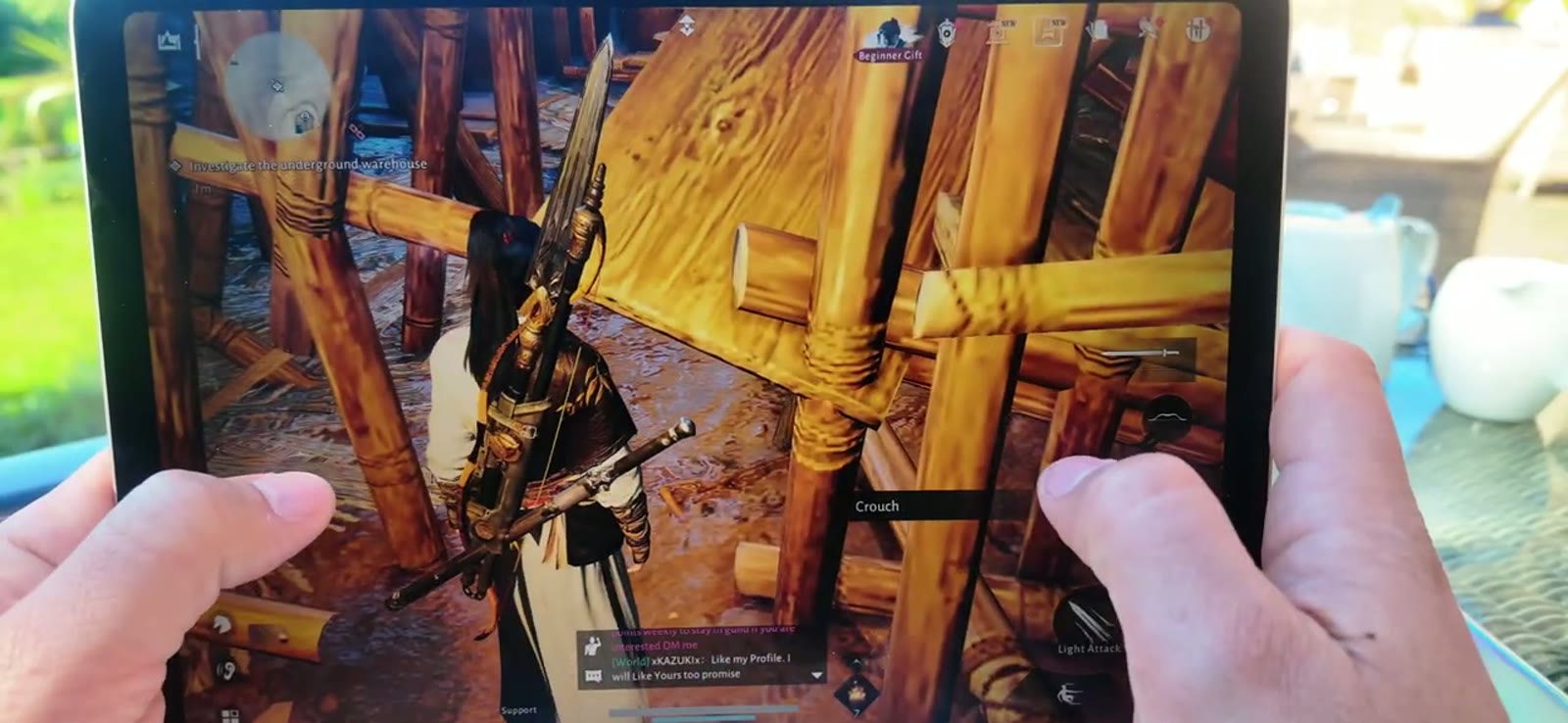
The Air’s Liquid Retina panel is 60Hz and 600 nits, and Apple tries very hard not to say that plainly. Side by side with the Pro’s OLED and ProMotion, of course the Pro is nicer: deeper contrast, buttery motion. But unless you’re doing a review like mine and holding them next to each other, the Air’s display is fantastic. Plenty sharp, vibrant, works with the Pencil Pro. Even gaming outdoors is genuinely fine, though in direct blasting sun, darker content gets tricky, and the glare annoys on both iPads.
Power: the two-minute question
The M4 in this thing is ridiculous for a device this thin (the M1 was already overkill for an Air). In creative apps like Nomad Sculpt and Procreate, most people will be absolutely fine on the base Air; the ceiling you eventually hit in Procreate is RAM (how many layers on a 4K canvas), not the chip.
So here’s the test that matters: the same 4K60 CapCut export, same files, same settings, on both. The Air: 8 minutes 25. The Pro: 7 minutes 07. Less than two minutes faster. That’s the sort of result that makes you question the entire price gap.
Two honest caveats. The Air runs about 10°F warmer after a long export or a 30-minute gaming session; it lacks the Pro’s copper thermal sheets. Nothing alarming, just physics. And the Air’s USB-C port is 10Gbps against the Pro’s 40Gbps Thunderbolt: if you edit 4K straight off an external SSD, that difference is real.
The software finally deserves the chip
iPadOS has finally got to the point where I can recommend it for work. Windowed apps (yes, the DeX-style concept I’ve been banging on about for years on Android) mean research in Safari on the left, notes on the right, a video floating in the corner, and none of Apple’s notorious background app-killing. Plug it into a monitor or a TV and keep going. All of it runs beautifully on the Air.
Notice I didn’t say it replaces your laptop. For the same money you could get a MacBook Air, and if you need a laptop, you need a laptop. But a laptop can’t be a tablet, and this tablet can moonlight as a desktop when it needs to.
So who buys what?
Skip the cheaper base iPad if you’re buying for the long haul: the Air is the investment iPad, with five, six, seven years of performance headroom, and enough grunt to start creative work (editing, 3D, digital art) if the itch ever comes. Get the Pro if you specifically live on ProMotion and Face ID, or you move massive files over Thunderbolt daily. That’s a professional’s checklist, not a default.
The M4 iPad Air is the sweet spot, just like the previous Air. Apple did it again: more power than iPadOS knows what to do with, the best accessories supported, a much more reasonable price. Team Air or team Pro? Tell me in the comments. Apple had no say in any of this, and I bought both iPads with my own money.