Tablets · Apple vs Samsung
M5 iPad Pro vs Galaxy Tab S11 Ultra: The Real Productivity Test
Verdict
The iPad Pro is the elegant machine: windowed apps in iPadOS 26 finally make it a productivity tool I can recommend. The Tab S11 Ultra is the flexible one: DeX, extended mode, workspaces, S Pen included, and more value. The best one depends on what annoys you less, because the real test is which tablet gets out of the way when you're actually trying to work.
Round by round
For a long time, the iPad Pro has had the power: the chip, the display, the accessories, the app ecosystem. And a price tag that makes you question your life choices after checkout. But every time Apple or an overexcited YouTuber called it a computer replacement, there was one tiny problem. It still felt like an iPad. Brilliant, but for proper work with multiple apps, files, windows and external monitors, Apple gave us the hardware first and said the software would catch up eventually.
With the M5 iPad Pro and iPadOS 26, that moment might finally be here. On the other side sits the Galaxy Tab S11 Ultra and Samsung DeX, a system that’s been turning Android tablets into laptops for years. This isn’t OLED vs AMOLED or Apple vs Samsung for the sake of it. This is about getting stuff done. The main video is here, and there’s a whole first episode on the windowing showdown too.
Transparency first, as always: the Tab S11 Ultra is a review unit that goes back to Samsung. The iPad Pro is my own, bought with my own money (the cheapest M5 config, deliberately). Neither company has any say in what I say.
The iPad’s moment: windowed apps
This is probably the biggest change to iPad productivity in years. Windowed apps in iPadOS 26 make the iPad feel much less like a giant iPhone: resize windows properly, move them, tile them, minimise them. Stage Manager always felt awkward to me (I got plenty of stick from Apple fans for saying so), but this feels intentional. The window controls, the animations, the cleaner menu bar. For the first time in a long time I used an iPad for multitasking and thought: Apple might actually be serious now.
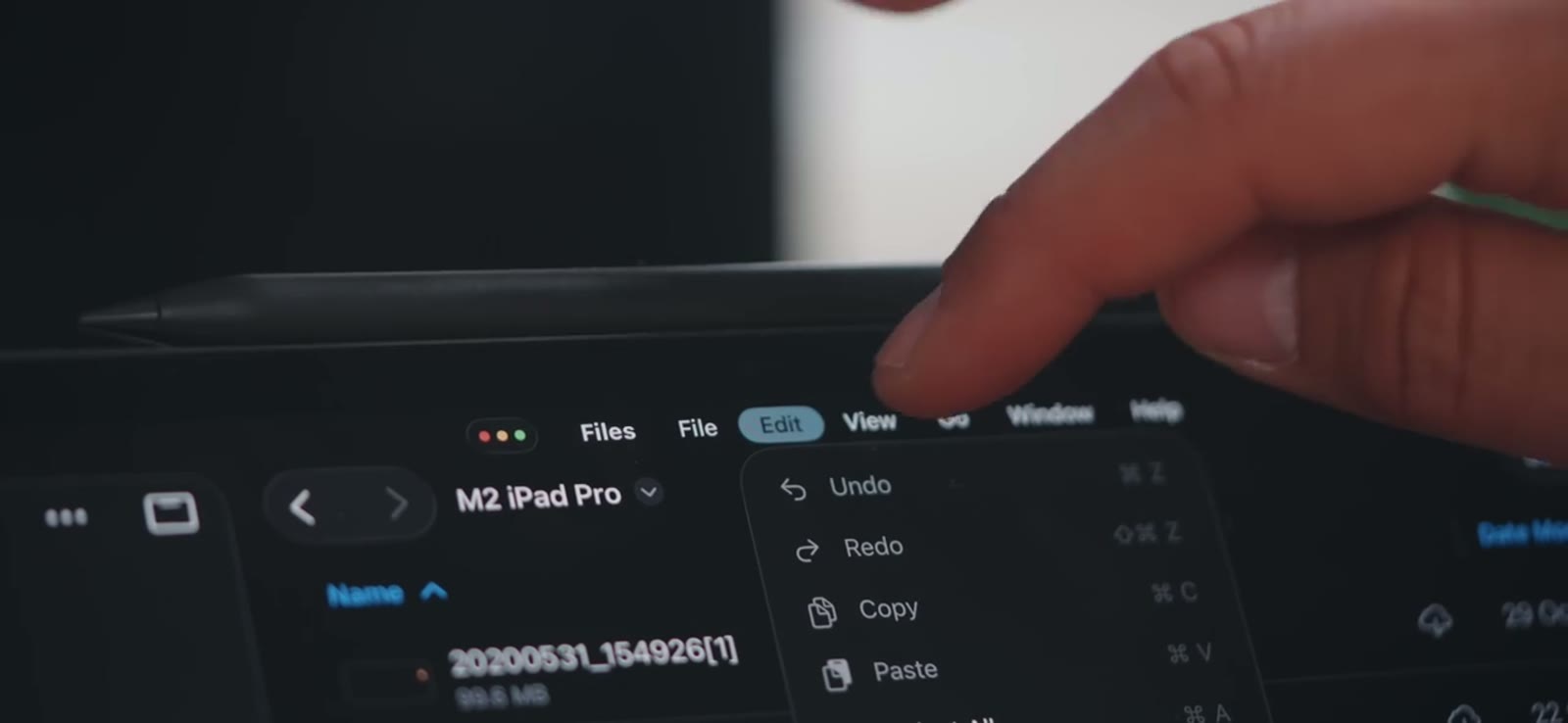
It even holds ten-plus apps open without Apple’s usual aggressive background-killing, which genuinely surprised me. In my Office-suite test (Excel, PowerPoint, Word, Outlook, Teams, Slack, Chrome with twenty tabs, Spotify in the background) it just kept going.
Samsung’s answer: DeX doesn’t gently evolve anything
DeX takes a different approach entirely. It says: here’s a full-fat desktop, get on with your work. Taskbar, overlapping windows, right-click menus, keyboard shortcuts, and on the Tab S11 Ultra, extended mode: tablet plus external monitor as a proper dual-screen setup, with up to four workspaces. One for writing, one for research, one for communication, one for creative work. The iPad gives you windows; it doesn’t give you workspaces, and for real productivity that’s not a nice extra, it’s genuinely useful.

And then the hard-to-ignore point: DeX works on practically every phone Samsung makes, and it’ll run properly on a hotel TV. That makes it a superpower. You can even use a Samsung phone as your trackpad if you don’t have a mouse to hand. Apple’s version feels more elegant; Samsung’s feels like “of course you’d want that, why wouldn’t you?”
One gripe for the comments: the Good Lock MultiStar setting that let DeX run more than five concurrent apps seems to have vanished. If you know where it went, tell me.
External monitors: both finally grown up
On paper the iPad has the cleaner spec: Thunderbolt/USB4, up to 6K60 external. Mind the small print though, because Apple’s own pages disagree on the high-refresh claim (5K120 on one page, 4K120 on the UK support page), so check your region before buying a monitor around it. The Tab runs my 4K monitor without any official spec fanfare and without any issues.
The boring test that actually matters: video playback while working. YouTube, Netflix, Prime, local files, full screen on the monitor while you keep working on the tablet. Both handled it extremely well, 4K included, and audio routing behaves (changing where audio plays needs a disconnect-reconnect, on both). A couple of years ago this was a buggy headache. Now imagine if they allowed all this on a phone. Oh wait, Samsung does.
Polish vs practicality
Here’s the slightly subjective bit that I think really matters. iPadOS 26 looks sleek, modern, sexy even. DeX is powerful but it looks very outdated now, utilitarian, a bit 2009 desktop. Samsung fans, I’m one of DeX’s greatest advocates and have been for years, and in some productivity areas it’s still far ahead. But aesthetically it’s “this will get the job done, and you might not enjoy doing it.”
Samsung makes productivity feel practical. Apple makes productivity feel nice. Annoyingly, both of those things matter. When the UI is this pleasant and the accessories this good, you want to use the iPad more. Nine times out of ten it’s the one I grab when travelling, even though I miss the Tab’s bigger display every time.
On apps, there’s a hangover perception worth killing: “iPad apps are just better” was true years ago; for mainstream apps they’ve been essentially the same for three or four years now. Where the iPad genuinely leads is creative work: the drawing, photo, video and music catalogue, plus Apple’s own Logic Pro and Final Cut Pro. Where Samsung stays more mature: file management and that desktop-like flexibility. And no, I don’t want macOS on the iPad. I want a better Mac-to-iPad workflow, which is a different wish.
Displays, size and the value maths
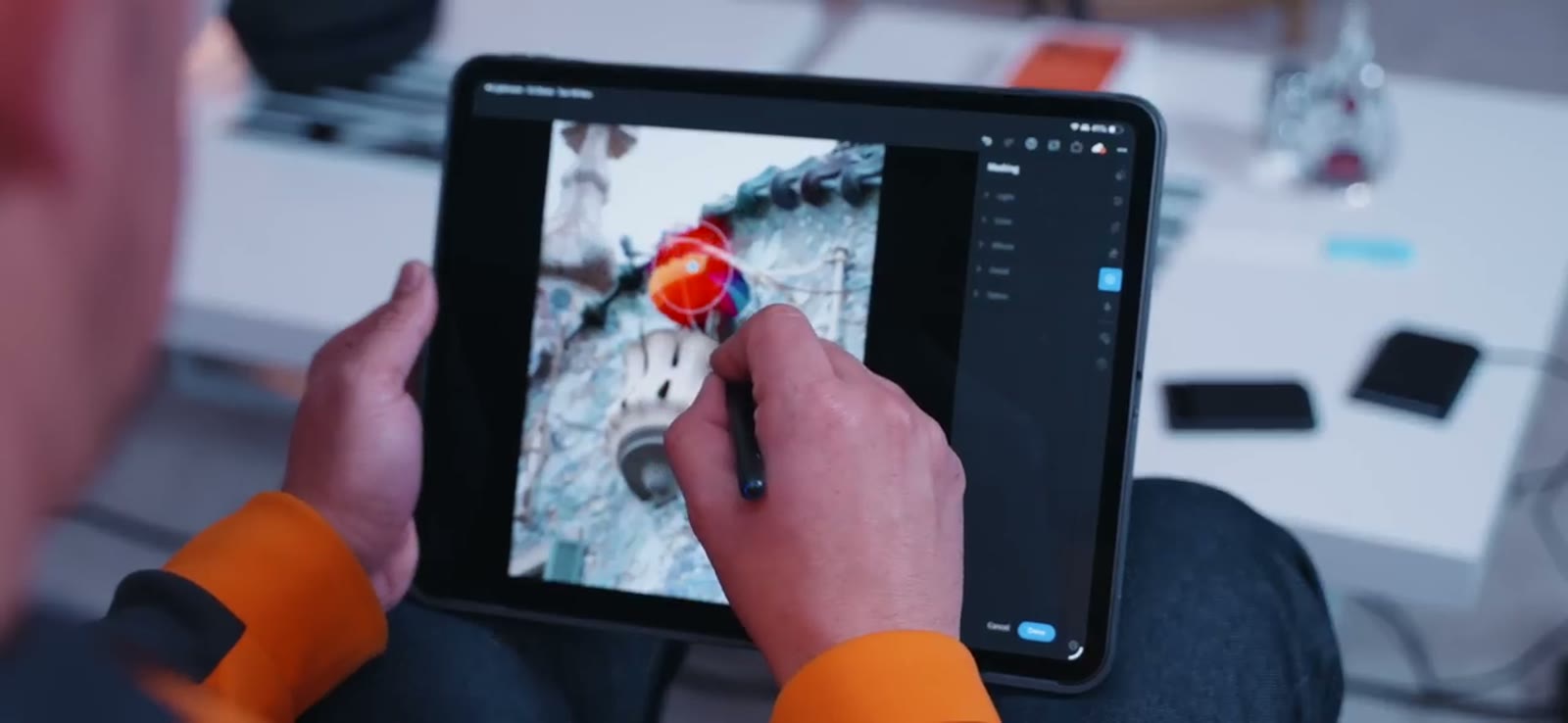
Both displays are brilliant, and I won’t pretend otherwise. The iPad’s tandem OLED is sharper (2752×2064 on the 13”, 1600 nits, ProMotion); the Tab’s 14.6” AMOLED is bigger, wider, the same 1600 nits, and the better shape for movies. In a blind content test I think most people would pick the Tab. As an object, though, the 14.6” is a desk queen: brilliant for DeX and split-screen work, a shoulder workout in bed. The 13” iPad Pro is the more balanced tablet-laptop hybrid.
Then the receipts. Apple’s Magic Keyboard is one of the best tablet keyboards around, priced like a flight to Europe (third-party alternatives are lovely for a fraction of it). The Apple Pencil is another $120-ish on top. The Tab S11 Ultra includes the S Pen in the box and takes a microSD card. On pure value for money, Samsung wins this comfortably. Annoyingly, the Tab S10 Ultra’s lovely keyboard doesn’t fit the S11, and Samsung’s magnetic paper-feel screen accessory seems to have quietly died too. Accessory continuity, Samsung. Please.
The verdict
If you want the most polished tablet experience, the iPad Pro finally earns it: windowed apps are a massive improvement (thank you, Apple, and I don’t say that often), and for creative apps and general niceness it’s very hard to beat. If you want the tablet that becomes a desktop workstation, DeX still has the stronger argument: extended mode, workspaces, S Pen included, microSD, that huge display, and it works on your phone too.
The iPad Pro is the elegant machine. The Tab S11 Ultra is the flexible productivity tool. The real comparison isn’t which is more powerful; it’s which one gets out of the way when you’re actually trying to work, and which one annoys you less. For me the healthiest part is that Apple has finally put pressure on Samsung in the one space DeX owned. I’d love to see Samsung come back swinging.
Both videos are here if you want the full thing (main, episode one), and this comparison is 100% independent: neither Apple nor Samsung had any say in it. Voice-note replies in the comments, as usual.